A route for your actual copy
Start with visibility checks, then choose an existing-backup, old-phone, local-preservation, or surviving-content route.
Avoid a blind reinstall. Work through a preservation-first plan for existing backups and surviving chat content.
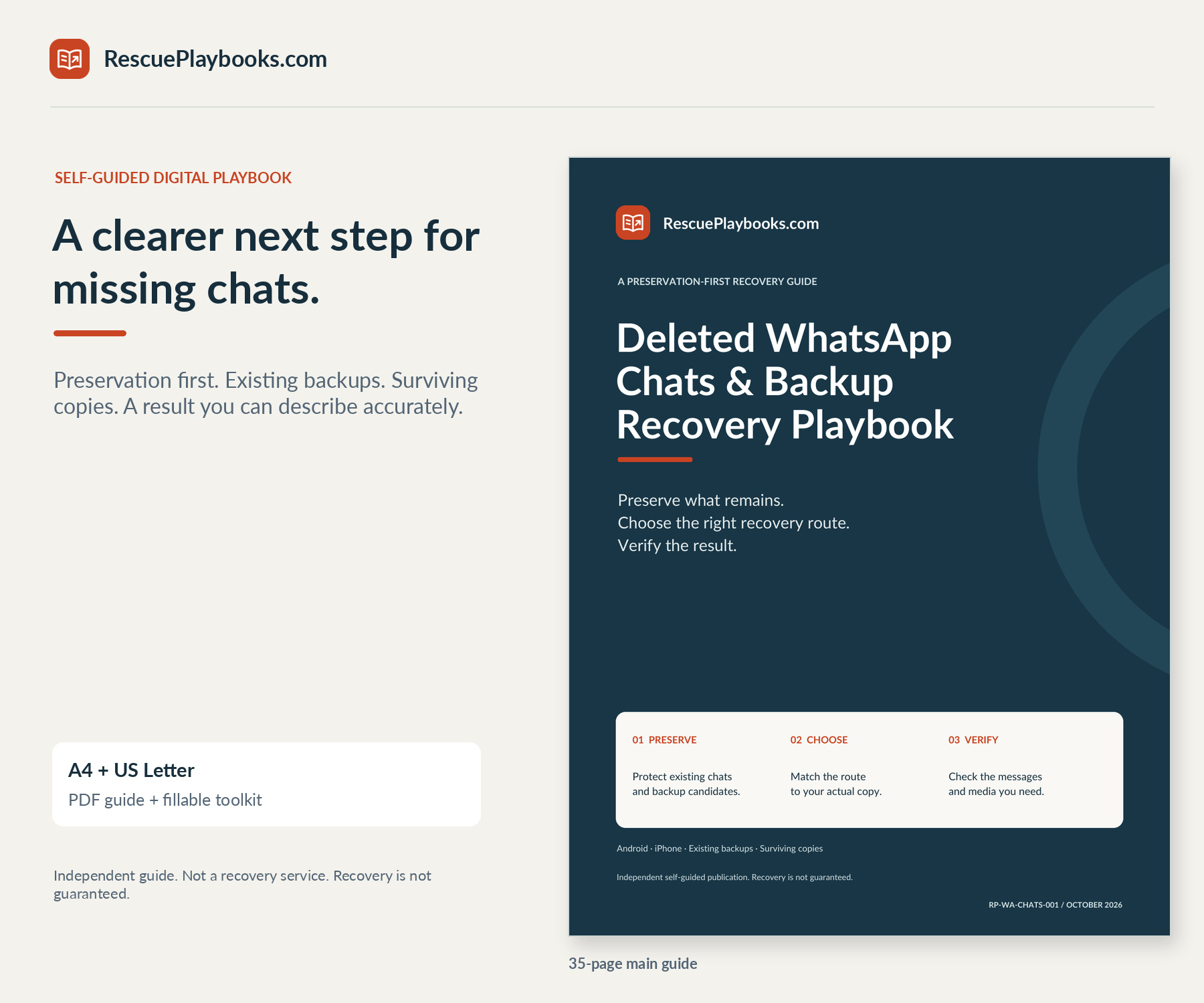


Find a sensible next step for missing WhatsApp history. Separate hidden chats from deleted content, evaluate existing backups, protect newer messages, and document what you can actually recover.
Not a recovery service. We do not access your account, handle your private chats, or perform recovery steps for you.
Recovery is not guaranteed. Available copies, their dates, account access, encryption credentials, and supported platform procedures determine what is possible.
Independent guide. Not affiliated with or endorsed by WhatsApp, Meta, Google, or Apple. You are paying for an independently organized guide, practical PDF tools, and adaptable messages—not access to otherwise free official instructions, software, platform support, or work carried out on your device.
Focused guidance. Practical resources. Clear next steps.
Start with visibility checks, then choose an existing-backup, old-phone, local-preservation, or surviving-content route.
Understand why a fresh backup or reinstall can make a deletion incident worse, and record a clear stop condition.
Follow separate cloud-backup preflight, restore and failure-stage chapters, with clear stop conditions before replacing data.
Compare dates, identity, access, credentials, and newer-message risk rather than assuming the latest copy is best.
Distinguish backup passwords, 64-digit keys, passkeys, account verification, and problems that require a careful handoff.
Record candidates, resolve the restore gate, track attempts, verify content, and prepare a focused support request.
See the difference between an in-app snapshot restore and useful content preserved outside WhatsApp.
Request a limited participant copy, a missing attachment, or specific official guidance without sharing recovery secrets.
Choose your paper size. Keep the practical tools beside you.
Preservation-first routes, fictional examples, and official source links.
Read on screen or print the size that matches your paper.
Quick Start, fillable toolkit, worked example, and adaptable messages.
A4 and US Letter editions contain the same content. No audio file is included.
Hands-on recovery, remote device access, one-to-one technical support, or account-takeover recovery. Recovery software, manual local-database import, forensic extraction, damaged-device repair, Business Platform/API archives, or bypassing encryption and privacy controls. A promise to undelete chats without a usable surviving copy, merge old and new histories automatically, or restore every deleted attachment.
Independent guide. Not affiliated with or endorsed by WhatsApp, Meta, Google, or Apple.
You want to check the intended account, Archived, filters, and your own Locked Chats access before treating it as deleted.
You have a dated WhatsApp Google Account or iCloud backup and need to understand the replacement tradeoff.
You want to preserve useful current content before deciding whether to restore an older snapshot.
You need to distinguish account access, detection errors, and the credential requested by an encrypted backup.
You have visible old-phone chats to transfer, or existing Android/device-backup files to preserve and assess. Manual local-database import is outside this edition.
You want to check permitted participant copies and saved media, then describe a partial result accurately.