A route for your actual blocker
Separate paths for passwords, lost contact access, takeover, 2FA, identity checks and restrictions.
Turn a confusing lockout into a clear sequence of protective actions, official recovery steps and security checks.
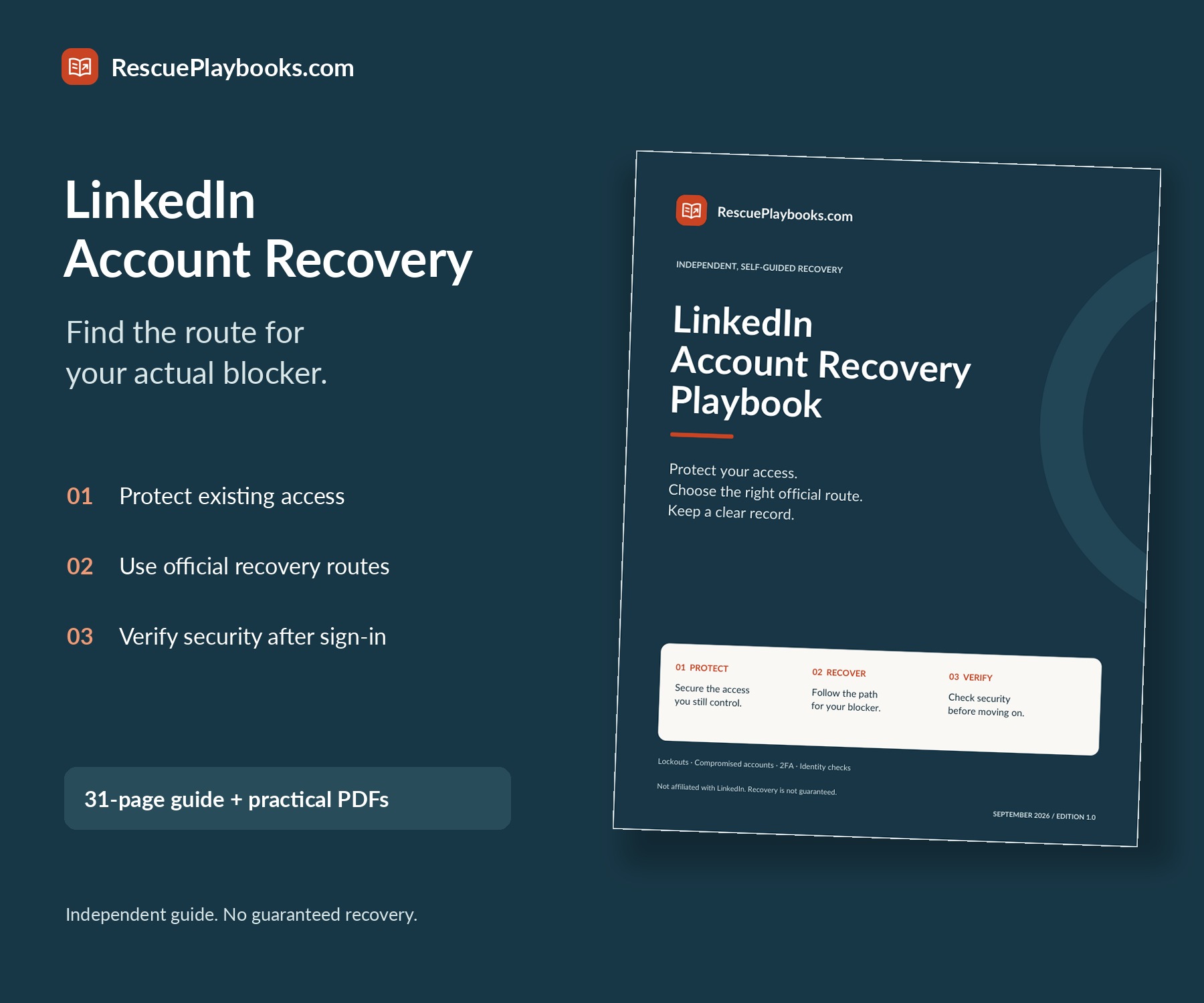
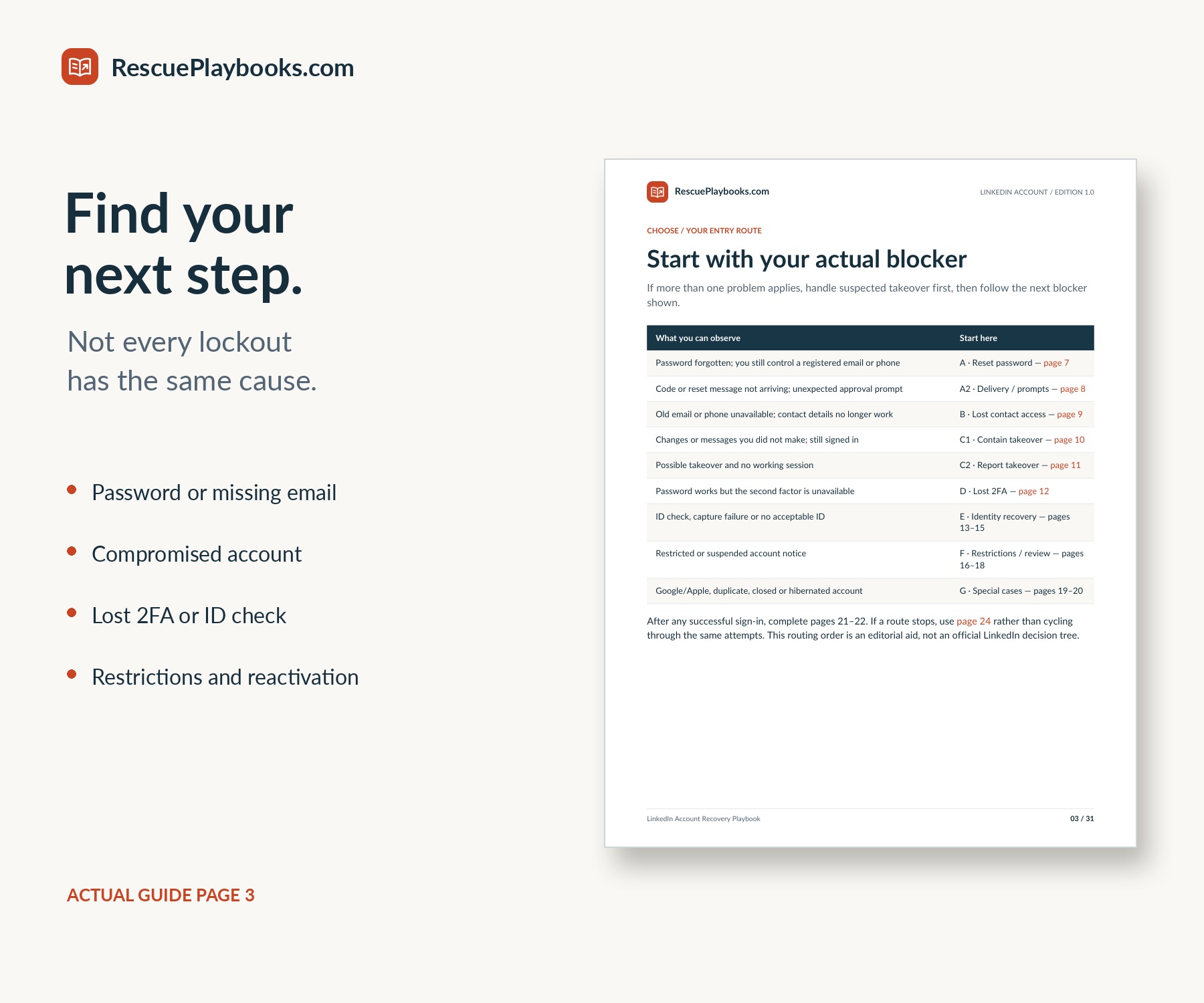
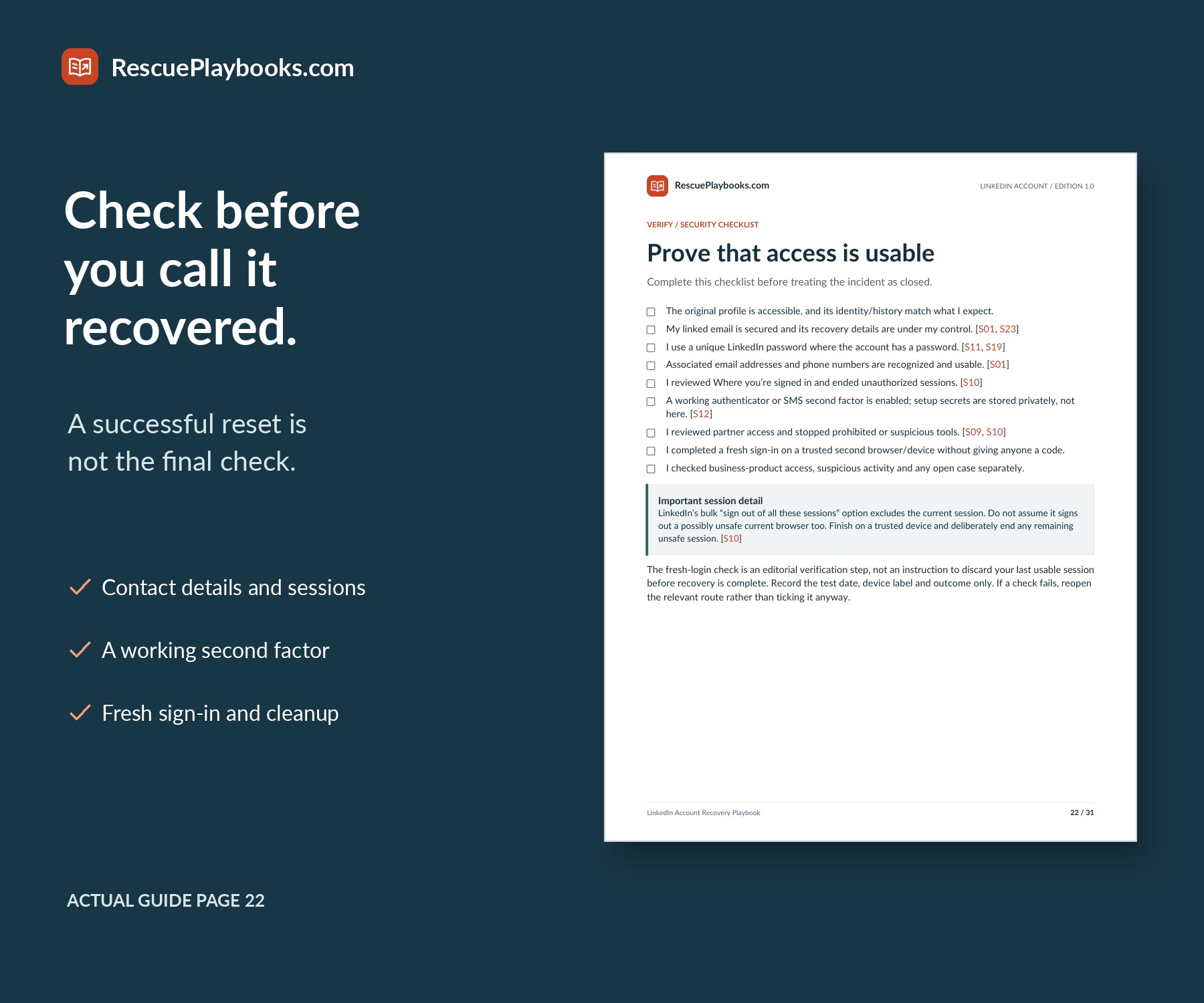
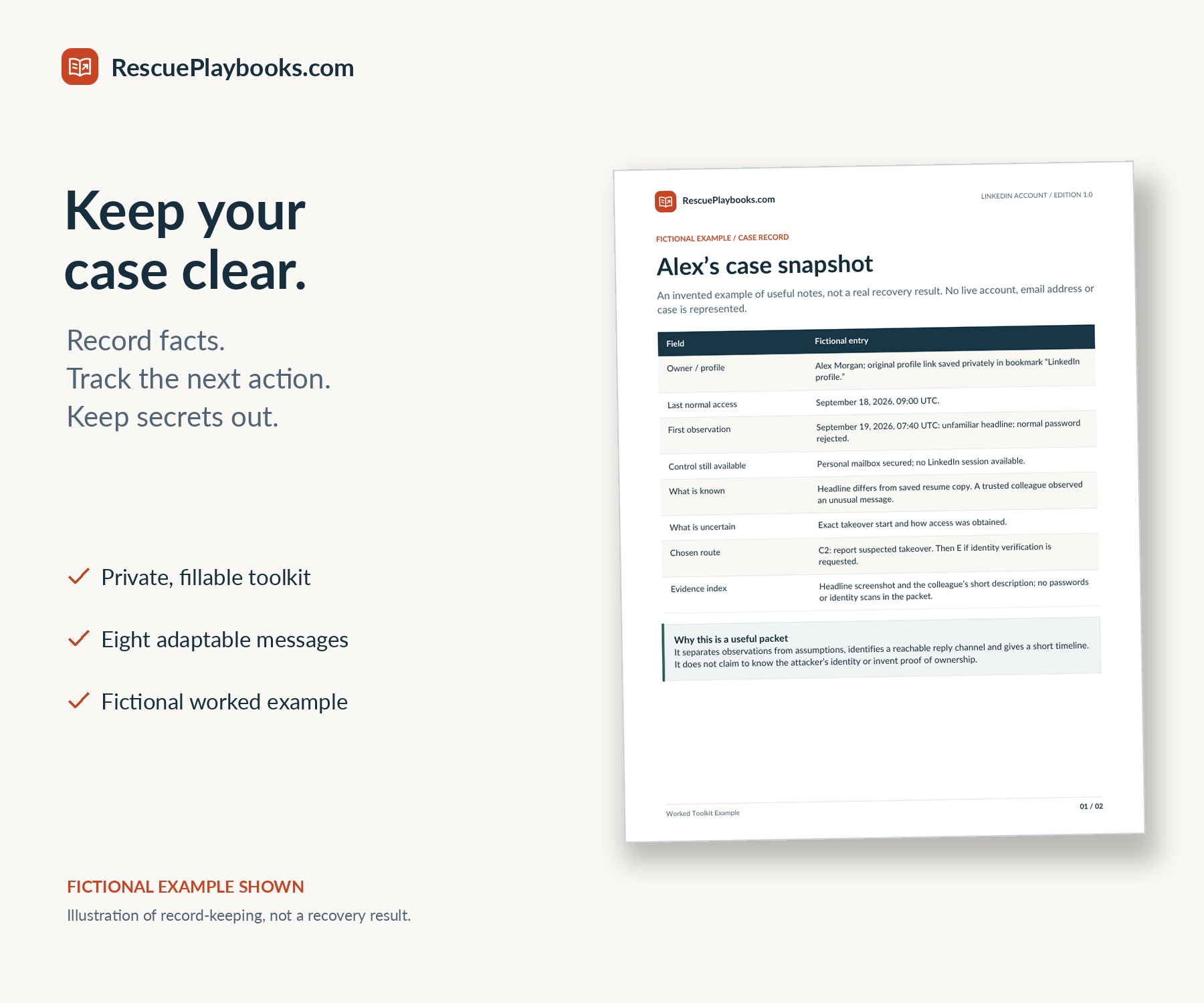
A practical, independent guide to common LinkedIn access problems: passwords, lost contact methods, suspected takeover, missing two-factor authentication, identity checks and restrictions. Use clear decision paths, a private case record and official recovery gateways instead of random repeated attempts.
Self-guided digital playbook. Not a recovery service. You follow the steps and submit any requests yourself. We do not access accounts, handle identity documents or contact LinkedIn for you.
Recovery, reinstatement, response times and content restoration are not guaranteed. LinkedIn controls its verification and account decisions.
Independent publication. Not affiliated with, endorsed by or sponsored by LinkedIn or Persona. You are buying the complete self-guided PDF package described here. You carry out the steps yourself; LinkedIn decides account access.
Follow a matching route, organize the facts and keep track of the result.
Separate paths for passwords, lost contact access, takeover, 2FA, identity checks and restrictions.
Understand when to preserve a trusted session and when compromise containment takes priority.
Mobile recovery guidance, common failure points and clearly limited official alternatives.
Six fillable and printable pages for access inventory, attempts, support replies and unresolved issues.
Factual wording for reports, review requests, follow-ups, contacts, workplace IT and cleanup.
Review contact details, sessions, 2FA, fresh sign-in and unauthorized activity.
See the difference between submitting a case and actually regaining access.
Clickable references to 29 official LinkedIn and Persona articles, reviewed September 22, 2026.
A 31-page main guide with practical PDF companions and one clear place to start.
Clear account-access routes and official references.
The same material in two print-friendly sizes.
Fillable toolkit, quick start, example and message templates.
A4 and US Letter editions contain the same content. No audio file is included.
No account access or recovery work performed on your behalf; no direct LinkedIn contact or identity-document handling. No security bypass, guaranteed reinstatement, guaranteed response time or promise to restore all content. No full email-provider recovery, malware removal, company ownership dispute or business-product billing/refund representation.
Use only for your own account or an authorized business continuity handoff. Never share passwords, codes, session files or identity documents with the store.
Follow the reset route and distinguish a missing code from a different access blocker.
Use the official no-access route without assuming a new email automatically identifies your account.
Choose the signed-in containment or locked-out reporting path, then review unauthorized activity.
Work from an existing trusted session where possible or follow the identity-recovery path.
Check capture problems, the recovery-versus-badge distinction and the limits of alternative verification.
Prepare a factual review request and distinguish restrictions from closure, hibernation or duplicate accounts.