A route for your situation
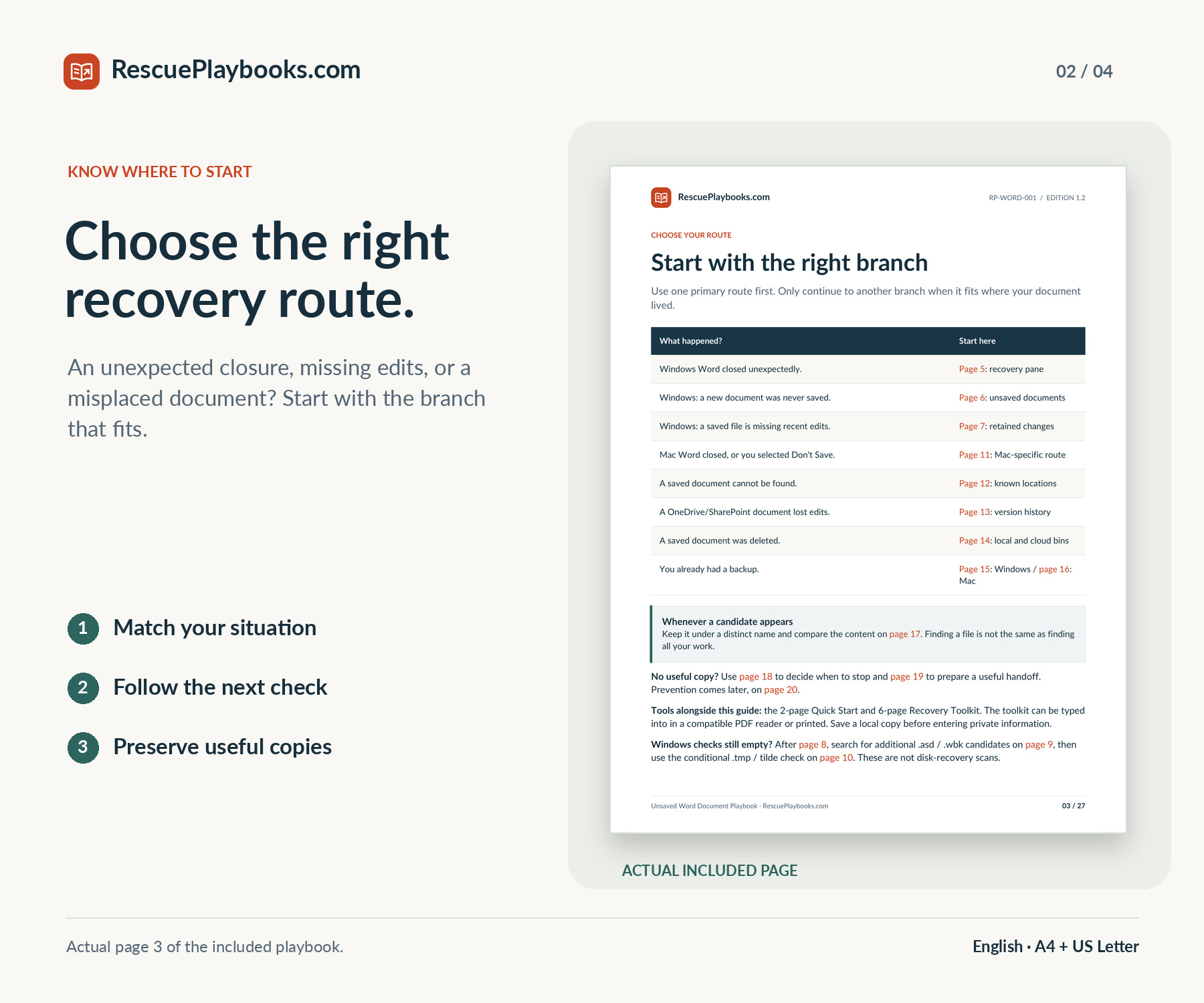
Choose the relevant checks for a closure, never-saved work, missing edits, or a misplaced document.
Find your next recovery check, compare the copies you uncover, and protect the useful Word work that remains.
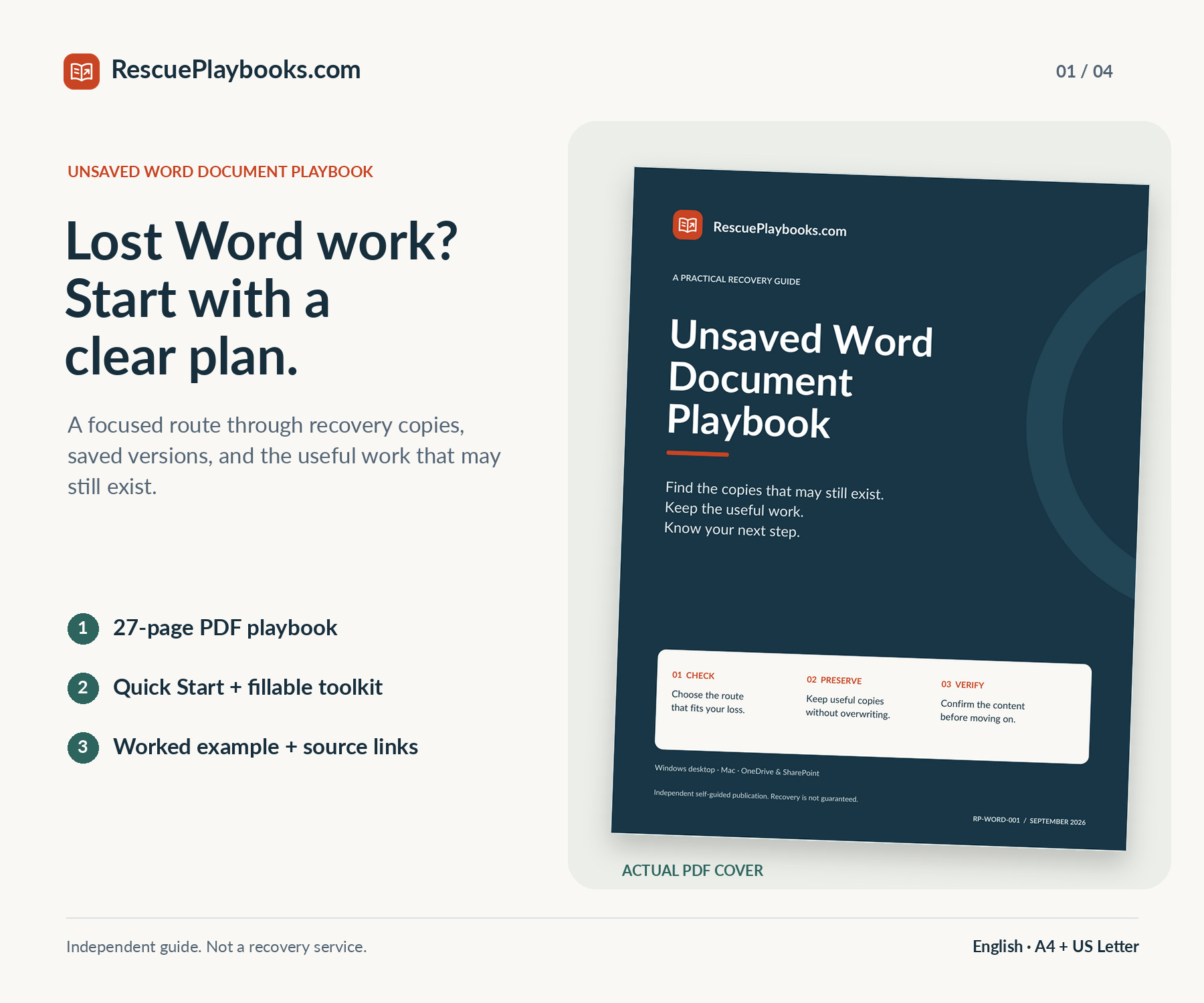
Stop repeating the same searches. Follow the route for your Word setup, check available recovery copies and saved versions, then compare the content that matters. Keep a clear record of useful finds, missing sections, and your next action.
Not a data recovery service. We do not access your files or carry out recovery steps for you.
Recovery is not guaranteed. Available copies, earlier settings, storage, permissions, and existing backups determine which routes can help.
Independent guide. Not affiliated with or endorsed by Microsoft or Apple.
Focused guidance. Practical resources. Clear next steps.
Choose the relevant checks for a closure, never-saved work, missing edits, or a misplaced document.
Use preservation steps and clear stopping points before replacing files or experimenting with storage.
Follow separate Windows and Mac checks, with recovery locations and additional Windows ASD/WBK and temporary-file candidate searches when relevant.
Check relevant folders, cloud versions, recycle bins, and backups that already exist.
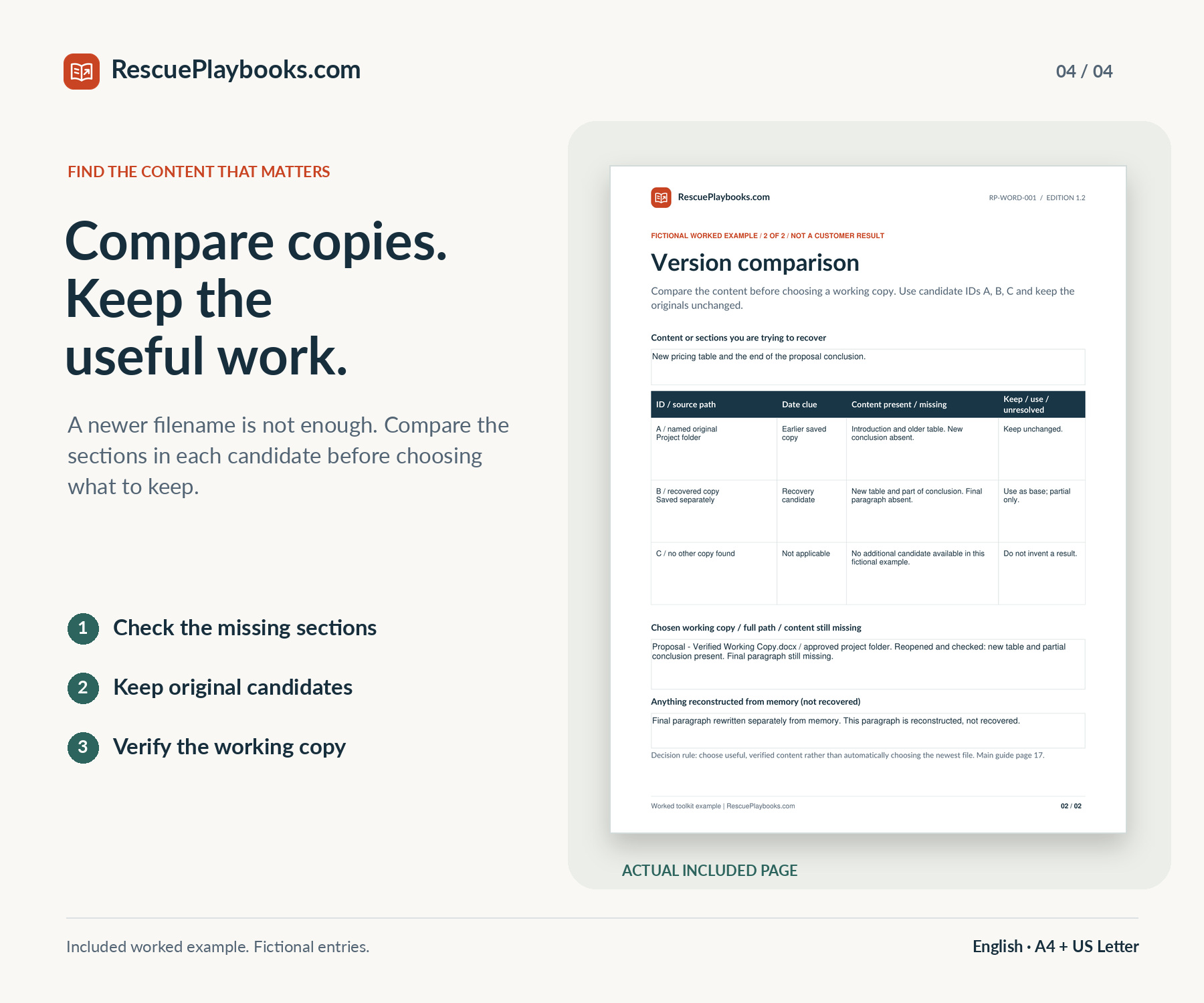
Check the missing sections in each candidate, then reopen and verify a separate working copy.
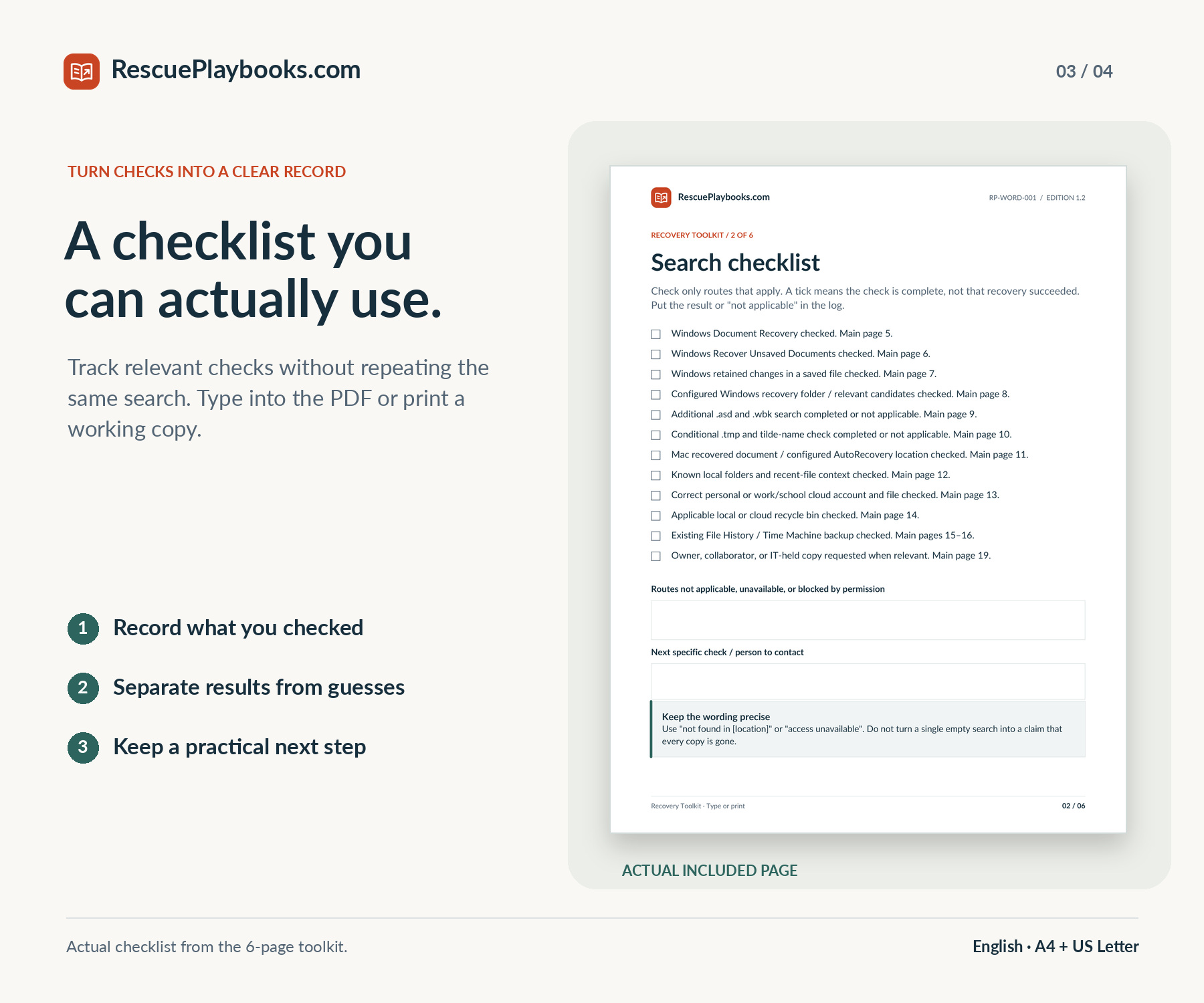
Record the incident, track searches, compare versions, and prepare your next action in six PDF pages.
Use fictional scenarios and a completed toolkit example to see how a useful record comes together.
Copy focused requests for a document owner, collaborator, IT team, or appropriate specialist.
Choose A4 or US Letter and keep the practical tools beside you.
The main guide includes official source links.
Read on screen or print the size that matches your paper.
Quick Start, fillable toolkit, worked example, and adaptable messages.
Five documents in both paper sizes, plus Start Here.pdf. No audio file is included.
Hands-on recovery, remote computer access, or one-to-one technical assistance. Recovery software, Microsoft licenses, paid support access, or corrupt-file and damaged-drive repair. Recreating text that was never saved or retained, bypassing passwords or encryption, or guaranteeing a recovery result.
You are paying for an independently organized guide, practical PDF tools, and adaptable messages—not software, access to Microsoft or Apple support, or work carried out on your computer.
Start with the recovery checks for your Windows or Mac setup, then preserve any useful copy before making more changes.
Check retained changes and available cloud versions, then identify which copy contains the sections you need.
Search the likely folders, accounts, and shared copies in a deliberate order instead of checking the same places again.
Use the comparison worksheet to record the actual content in each candidate and build a verified working copy.
Follow the relevant version-history or recycle-bin route, with reminders to preserve current work before restoring anything.
Record what you checked, identify the missing piece, and prepare a focused request for the document owner or IT team.